Updated: February 5, 2026 at 11:08 IST
AI Video Generation Has Matured, But Not Equally
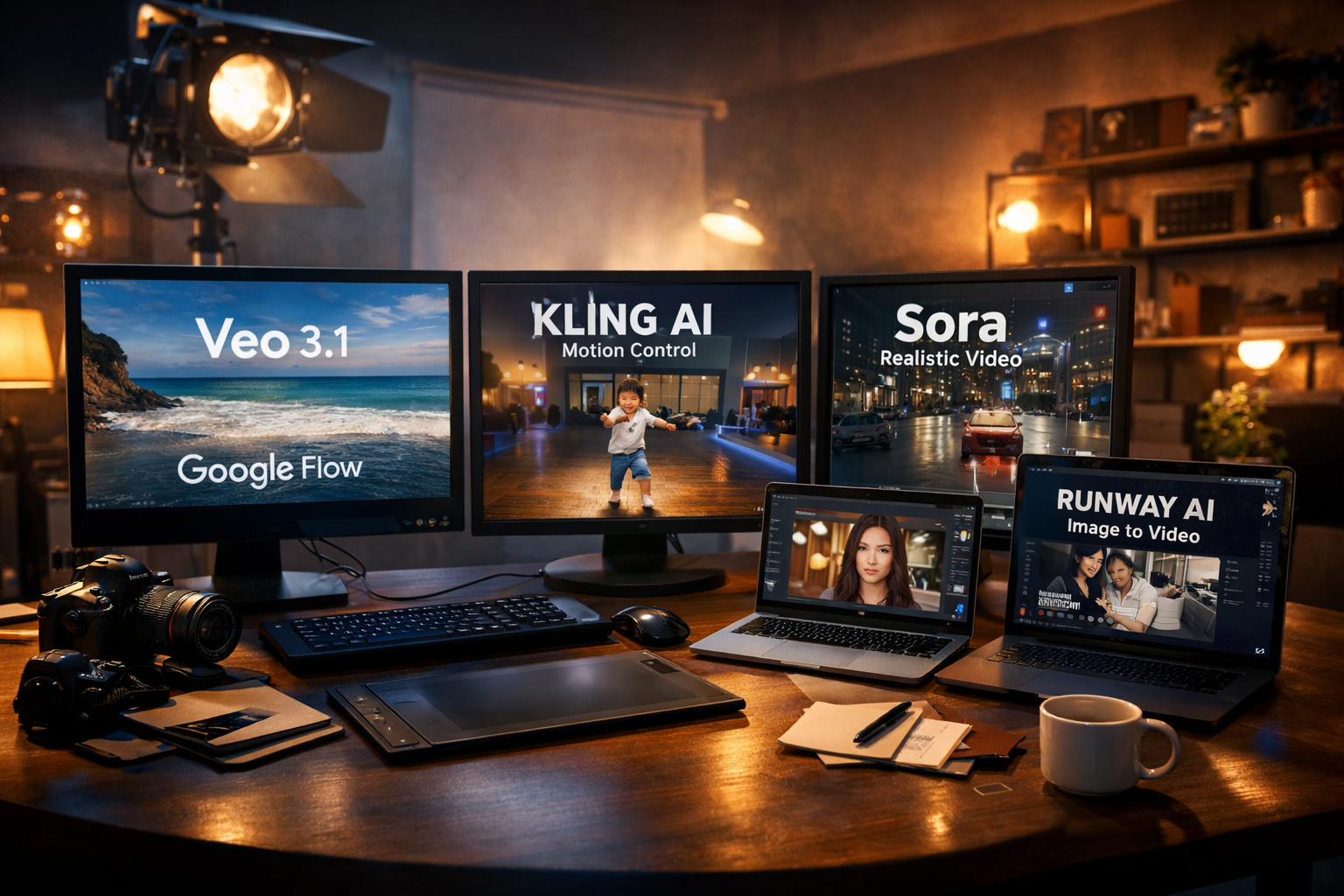
I’ve been actively using AI video generation tools for social media content, experiments, and client demos. One thing is very clear now: there is no single “best” AI video generator. Each tool shines in a very specific scenario, and disappointment usually comes when expectations don’t match the tool’s actual strength.
Google Flow: Cost-Wise and Practical for Daily Use
From a cost and speed perspective, Google Flow has surprised me the most. Using Veo 3.1 and Veo 2 Fast models, it’s very easy to generate short, usable videos for social media.
- Fast generation time
- Affordable compared to premium tools
- Good enough realism for reels, shorts, and ads
For normal social media videos where perfection isn’t required, Google Flow is currently one of the most practical options.
Hailuo AI: High Visual Quality, Weak Context Control
Hailuo produces visually pleasing videos with cinematic depth. However, the biggest issue I’ve faced is context understanding.
- Great texture, lighting, and motion
- Struggles to follow detailed prompts accurately
- Less predictable output
It works best when you are flexible with the outcome and prioritise visual beauty over narrative precision.
Kling AI: Motion Control and Frame Precision
Kling AI stands out in two major areas: first-end frame control and motion consistency. Their new motion control feature is currently winning attention online.
- Excellent first and last frame generation
- Strong motion control
- Perfect for image-to-video workflows
That’s why videos like babies dancing or stylised character movements are going viral. When you define the start and end clearly, Kling delivers very close to the expected result.
Runway: Reliable Face Consistency, Premium Pricing
Runway still holds its place for creators who need consistent faces in image-to-video generation.
- Excellent facial stability
- Good for branded characters and repeat use
- More expensive than most alternatives
If face accuracy matters more than budget, Runway remains a safe choice.
Sora AI: Realism That Confuses Viewers
Sora AI is in a different league when it comes to realism. CCTV-style footage, selfie videos, and casual scenes look so real that viewers often question whether the video is AI-generated or not.
- Extremely realistic motion and lighting
- Best for cinematic and documentary-style clips
- Limited access and high expectations
It’s powerful, but not always necessary for everyday content creation.
What Actually Works: Image-to-Video Over Text-to-Video
After multiple tests, my biggest learning is simple: AI video generation gives predictable results only when image-to-video, first-frame, or end-frame features are used.
Pure text-to-video still struggles with consistency and intent. Kling AI, in particular, performs exceptionally well when strong visual references are provided.
Practical Takeaways for Creators
- Use Google Flow for fast, budget-friendly social media videos
- Choose Kling AI for controlled motion and viral-style clips
- Pick Runway for face consistency
- Reserve Sora AI for high-realism storytelling
FAQs
Is AI video generation ready for professional work?
Yes, but mostly as a supporting tool. Image-to-video workflows are far more reliable than text-only generation.
Which AI video tool is best for social media?
Google Flow and Kling AI currently offer the best balance between speed, cost, and output quality.
Can AI videos replace real shooting?
Not entirely. AI works best for concept visuals, fillers, and creative experiments, not full replacements.
Conclusion
AI video generation has reached a usable stage, but only when creators understand its limits. The real power comes from guiding the AI with images, frames, and references. Among all tools I’ve tested, Kling AI currently delivers the most expected results when control matters, while Google Flow remains the most cost-effective option for daily content.