Home / Technology Technology Soldering, repairs and tinkering with gadgets.
6 articles
Technology
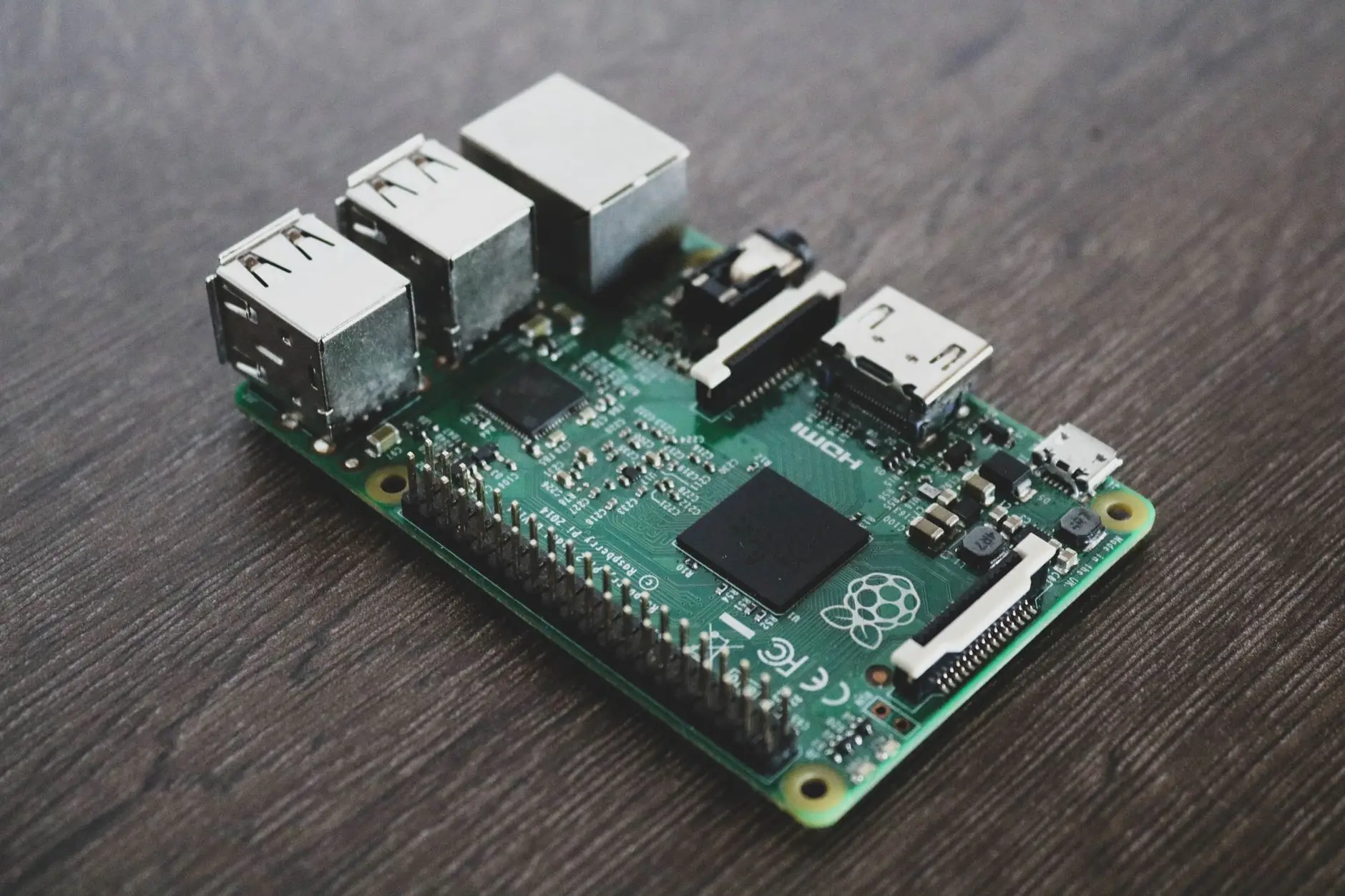
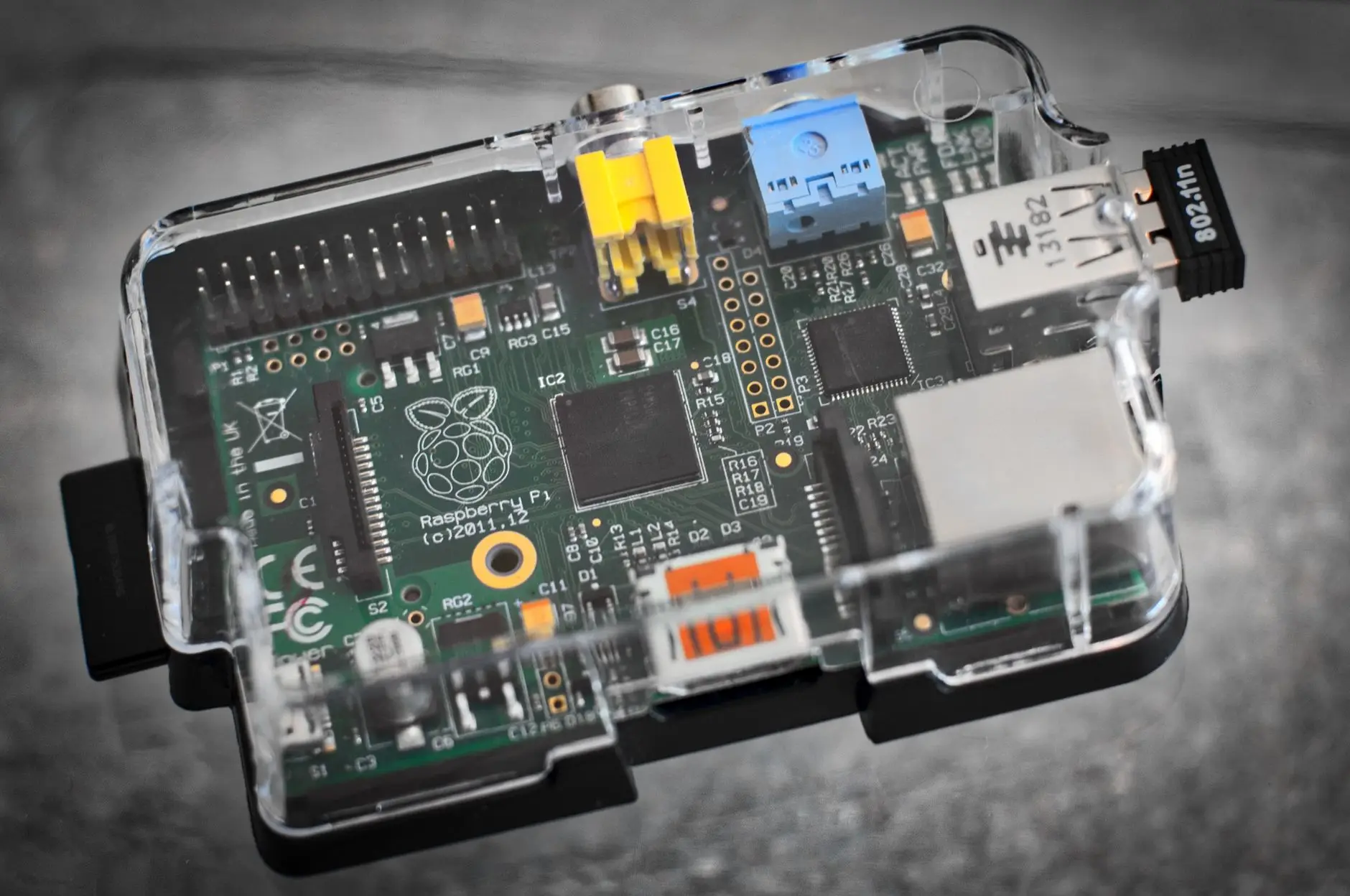
Set up PiZZa so a spare Raspberry Pi Zero W or Zero 2 W runs Arduino sketches, with fast clock speed, 512 MB of RAM and microSD storage.
You will need
Raspberry Pi Zero W or Zero 2 W microSD card, 2 GB or larger Micro-USB data cable Computer with the Arduino IDE PiZZa image file Technology
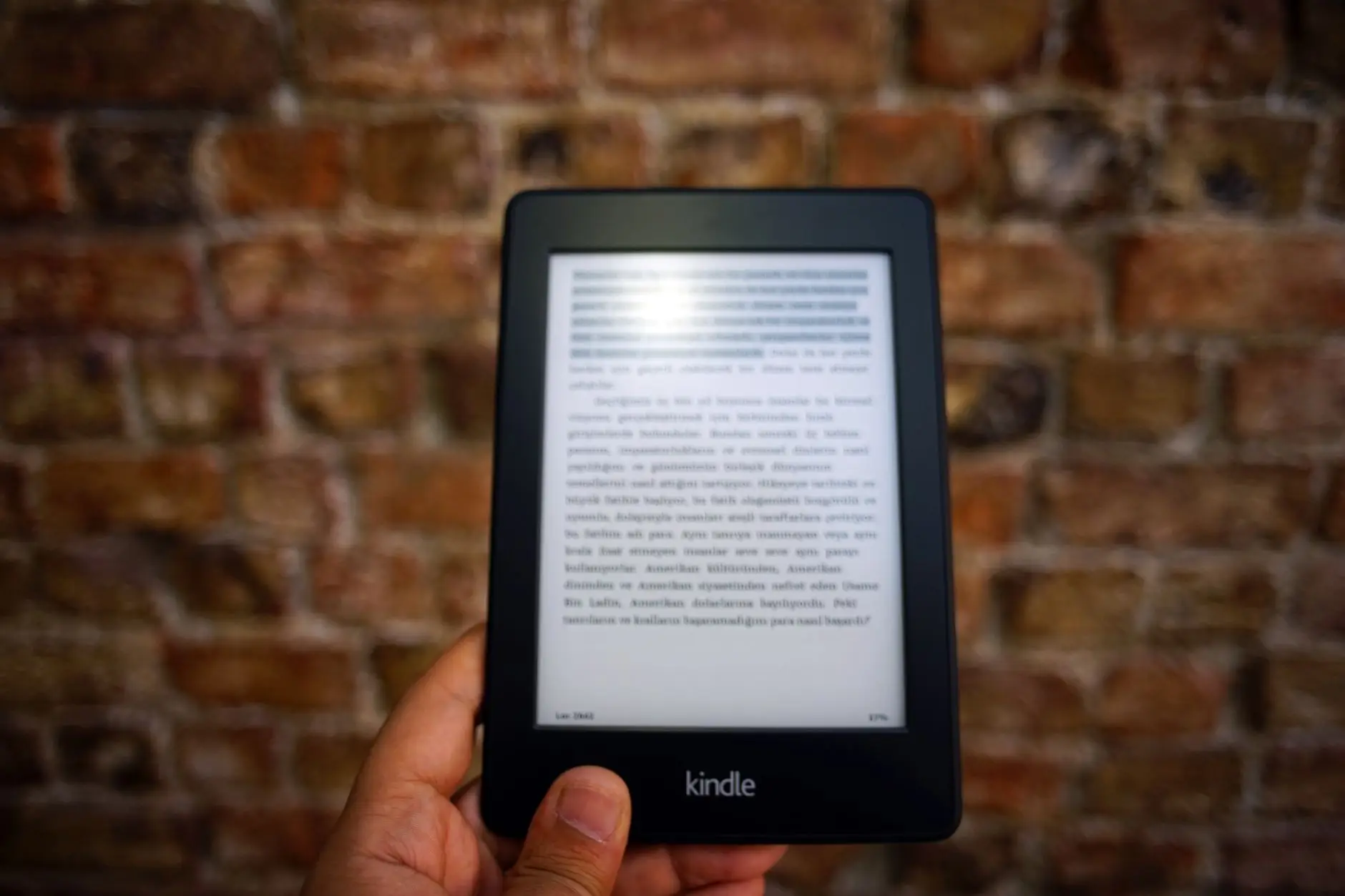
Set up a Raspberry Pi with Docker, folders, permissions and a Compose file so it can run the Booklore eBook library around the clock.
You will need
Raspberry Pi 3 or newer Micro SD card Power supply Ethernet cable or Wi-Fi 64-bit Raspberry Pi OS Docker Technology
Set up a Raspberry Pi 5 to hear speech in one language and speak it back in another, with no internet needed after setup.
You will need
Raspberry Pi 5 with 8 GB of RAM USB microphone USB or Bluetooth speaker microSD card, 32 GB or larger HDMI display and USB keyboard Raspberry Pi USB-C power supply Internet connection for setup Technology
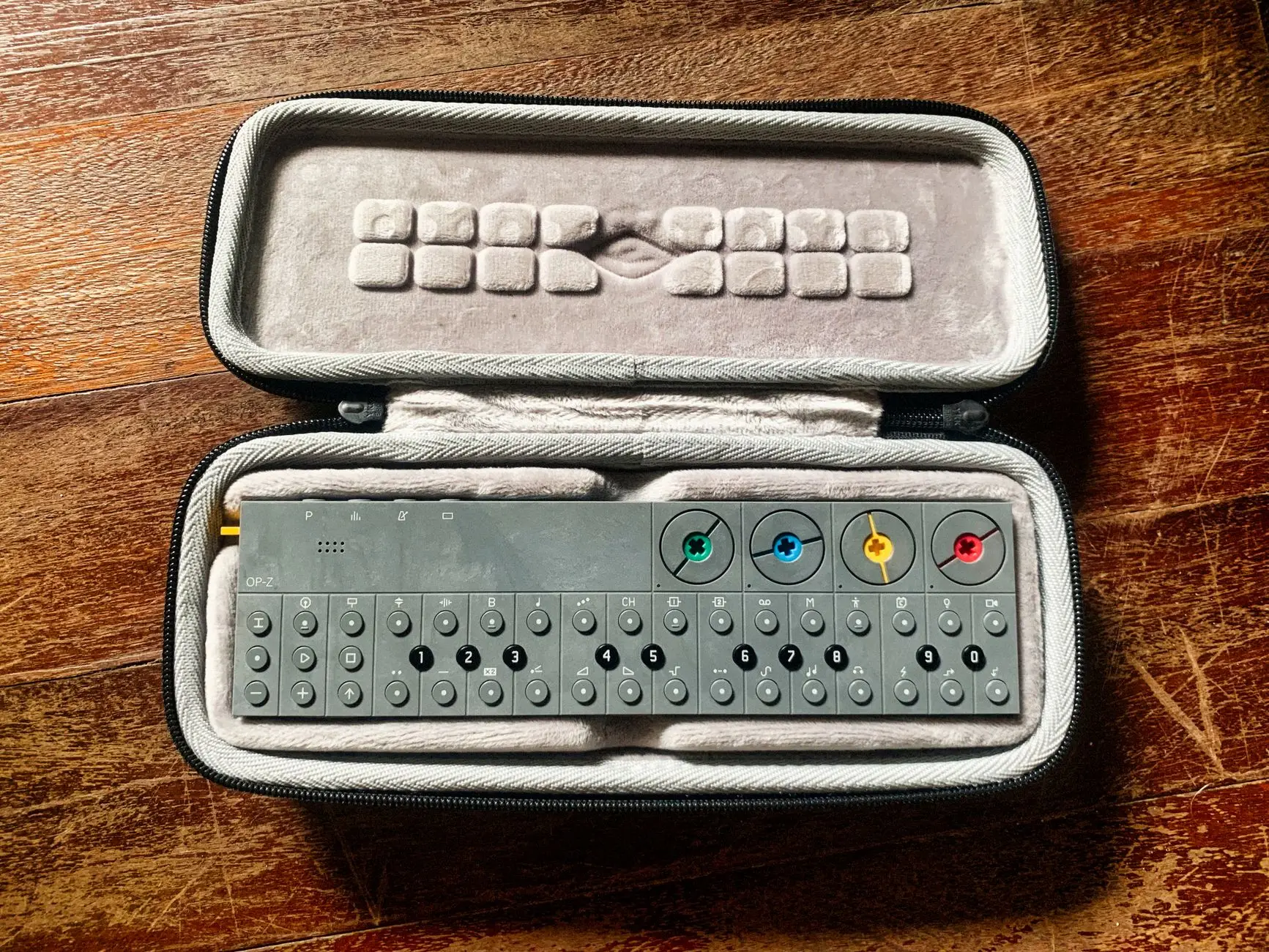
Wire a battery-powered arcade-button synth into a hard case, with built-in speakers, drum samples, a headphone jack and volume control.
You will need
Hard case Teensy 4.1 and Teensy audio shield (Rev D) Qwiic Speaker Amp and speakers 19 arcade buttons Solderable breadboard and headers USB battery Micro-SD card Hook-up wire, spade connectors, zip-ties Technology
Get a free wit.ai token, install the WitAITTS library and set the ESP32 options you need so your project can speak any text aloud.
You will need
Seeeduino XIAO ESP32S3 MAX98357A I2S audio amplifier Speaker Computer with the Arduino IDE Wi-Fi network Meta account (Facebook or Instagram) Technology
Install the n8n automation tool on a Raspberry Pi using Docker Compose, then sign in from any browser on your home network.
You will need
Raspberry Pi 4 or 5 with at least 2GB of RAM Micro SD card with 64-bit Raspberry Pi OS Power supply Ethernet cable or Wi-Fi Docker installed on the Pi A device with a web browser